The AI productivity layer for Mac.

The AI productivity layer for Mac.

The AI productivity layer for Mac.

The world keeps moving. Your clicks per day will get cut in half. You won't get to spend hours every day on menial tasks. Are you ready?

Backed by

Built in partnership with students and staff at

Features
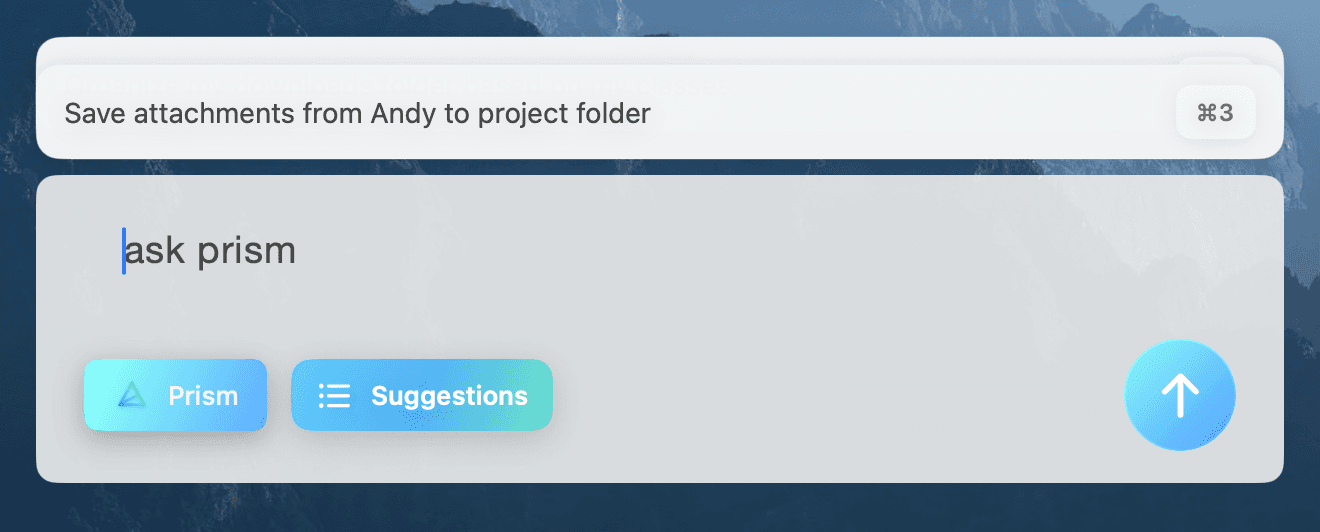
An Intuitive UI

An Intuitive UI

Automating tasks so intuitively that it feels wrong.

Automating tasks so intuitively that it feels wrong.

Execute Commands

Upload files effortlessly with our intuitive drag-and-drop interface, streamlining your workflow.

Manage Media

Your data is continuously synced across all devices, ensuring real-time updates.

Approve Steps with Tab

Use AI-powered search to find exactly what you need in seconds, even in large datasets.

Execute Commands

Upload files effortlessly with our intuitive drag-and-drop interface, streamlining your workflow.

Manage Media

Your data is continuously synced across all devices, ensuring real-time updates.

Approve Steps with Tab

Use AI-powered search to find exactly what you need in seconds, even in large datasets.

Execute Commands

Upload files effortlessly with our intuitive drag-and-drop interface, streamlining your workflow.

Manage Media

Your data is continuously synced across all devices, ensuring real-time updates.

Approve Steps with Tab

Use AI-powered search to find exactly what you need in seconds, even in large datasets.

Your data is YOURS

Our models don't train on your data. Prism gets better from your watching your workflows, and all of that data is stored locally.

Deep System-Memory

Prism understands everything about your filesystem and chats with you when it indexes. It deeply understands the context of each of your files.

In the Loop

Prism always updates you with everything its doing at any time. You can stop it at any point, and you are always in control.

Dashboard
Dashboard
Dashboard

Respond to Incoming Messages

A non-intrusive view to respond to incoming messages if Prism deems them actionable.
  • Out of your way

  • Out of your way

  • Out of your way

  • Deletes memories after execution

  • Deletes memories after execution

  • Deletes memories after execution

  • Mail + Messages

  • Mail + Messages

  • Mail + Messages

  • Responds in under 10s

  • Responds in under 10s

  • Responds in under 10s

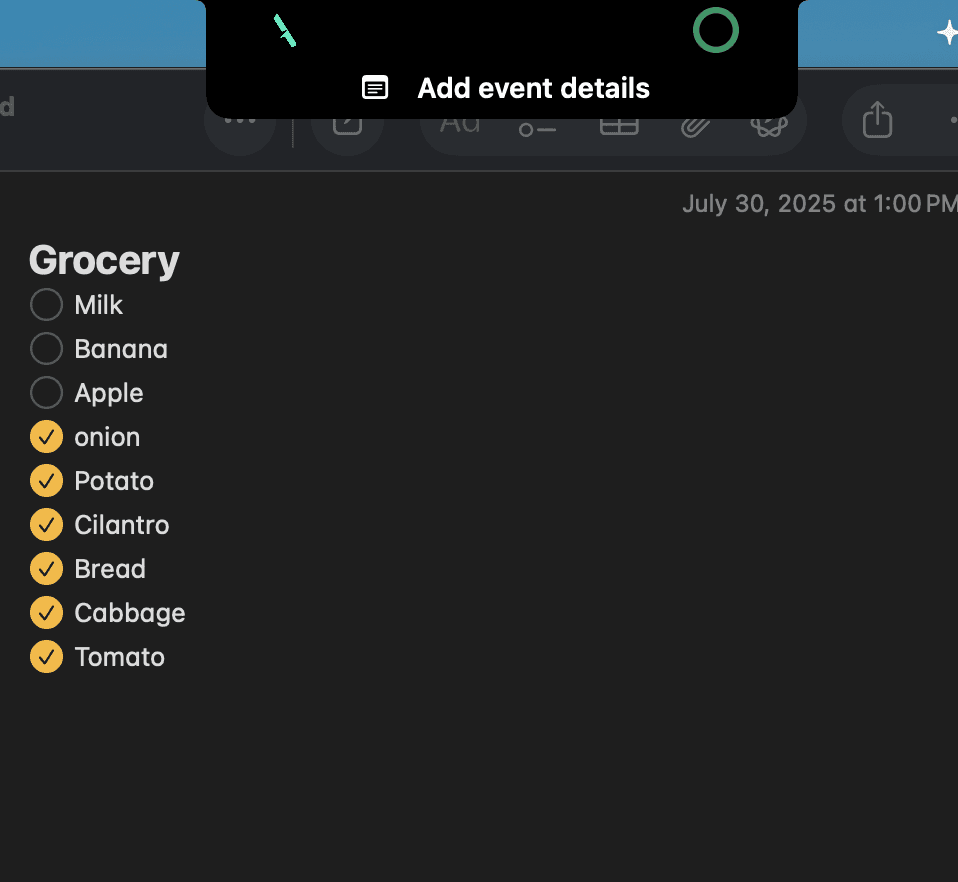
Watch every step

Prism constantly updates you with what it's working on when it moves to a new step.

  • You're in control

  • You're in control

  • Planning Steps

  • Planning Steps

  • Activity Tracking

  • Activity Tracking

  • Independent Operation

  • Independent Operation

Dashboard
Dashboard

Integrations

Integrate workflows

Integrate workflows

Execute effortlessly with Mac-native or third-party apps, using the AutoScripter to expand functionality across various workflows and tools you already use.

Connect effortlessly with popular third-party apps, expanding functionality and enabling smooth workflows between tools you already use.

Placeholder logo
Placeholder logo
Placeholder logo
Placeholder logo
Placeholder logo
Placeholder logo
Placeholder logo
Placeholder logo
Placeholder logo
Placeholder logo
Placeholder logo
Placeholder logo
Placeholder logo
Placeholder logo
Placeholder logo
Placeholder logo

FAQ

Here are the answers to your questions

Here are the answers to your questions

After reading this section, if you still have questions,
feel free to contact us however you want.

After reading this section, if you still have questions,
feel free to contact us however you want.

What is Prism?

Prism is a productivity tool for Mac that understands your filesystem and the way you work. It cuts out the routine clicking and small tasks that slow you down, so you can stay focused on what actually matters. Prism handles the busywork so you don’t have to.

What is Prism?

Prism is a productivity tool for Mac that understands your filesystem and the way you work. It cuts out the routine clicking and small tasks that slow you down, so you can stay focused on what actually matters. Prism handles the busywork so you don’t have to.

How secure is my data on Prism?

We run everything locally! Prism reads incoming text messages, but we never train on that data unless you explicitly choose to Opt-In for our models to get better over time. We train our models on the tasks you automate to recommend them later on.

How secure is my data on Prism?

We run everything locally! Prism reads incoming text messages, but we never train on that data unless you explicitly choose to Opt-In for our models to get better over time. We train our models on the tasks you automate to recommend them later on.

What does Prism support?

Everything. We built Prism so it understands your workflow and gets better at the menial tasks you do every day with the AutoScripter. When you start, it will handle the Apple-native apps best, but it will train and learn off of your other apps over time.

What does Prism support?

Everything. We built Prism so it understands your workflow and gets better at the menial tasks you do every day with the AutoScripter. When you start, it will handle the Apple-native apps best, but it will train and learn off of your other apps over time.

Can I temporarily disable Prism?

Yup! Any time that you don't want Prism to be training off of your current work, you can turn it off through a simple click in the Notch.

Can I temporarily disable Prism?

Yup! Any time that you don't want Prism to be training off of your current work, you can turn it off through a simple click in the Notch.

Join the Waitlist

Get in sync today

Don't waste any more of your time,
try Prism for free today.

The AI execution layer for your Mac. Do it all with a single keystroke.

© 2025 Prism - All rights reserved

The Prism Team - Stanford, CA

The AI execution layer for your Mac. Do it all with a single keystroke.

© 2025 Prism - All rights reserved

The Prism Team - Stanford, CA

The AI execution layer for your Mac. Do it all with a single keystroke.

© 2025 Prism - All rights reserved

The Prism Team - Stanford, CA